 Hikmah
How a book gets here
Hikmah Studio prepares every chapter before it shows up in the library. Quran recitation comes from reciters. English is voiced separately, then both are joined.
- 01
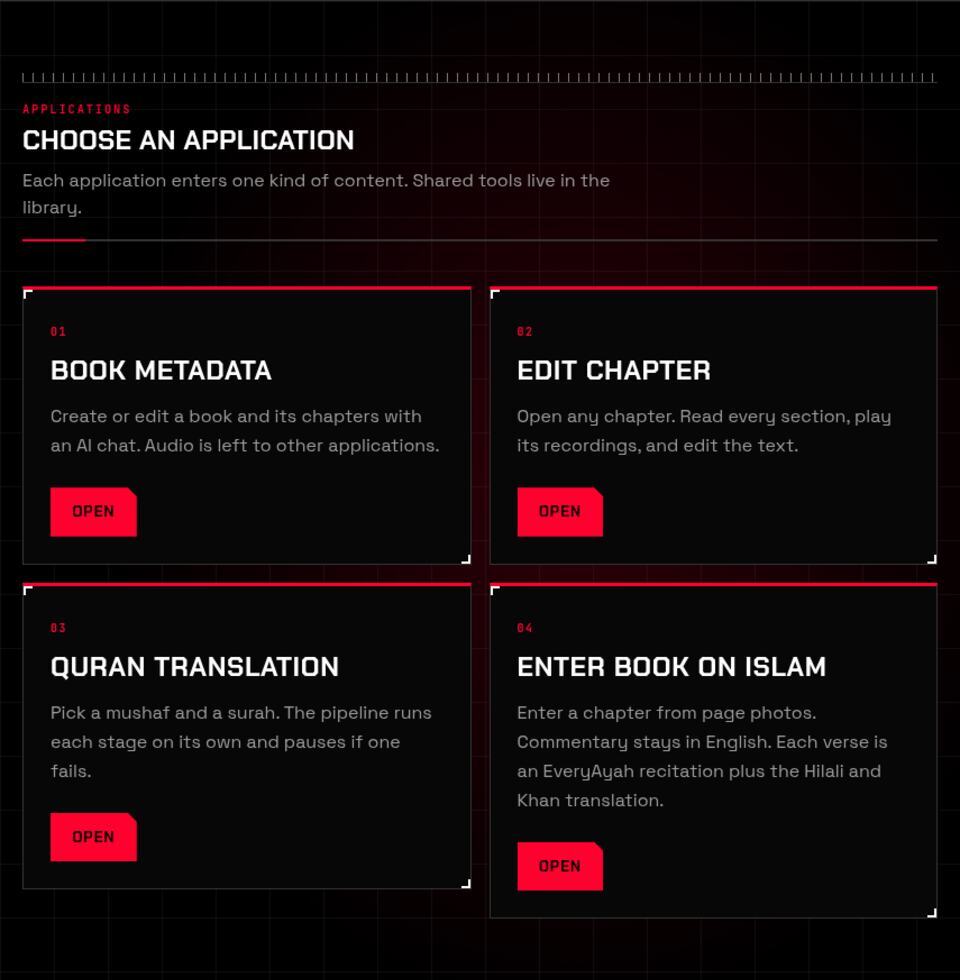
The book is outlined
An editor opens Book Metadata and creates the book, its chapters, and its narrators. A chat fills in the structure. This step does not record audio.
- 02
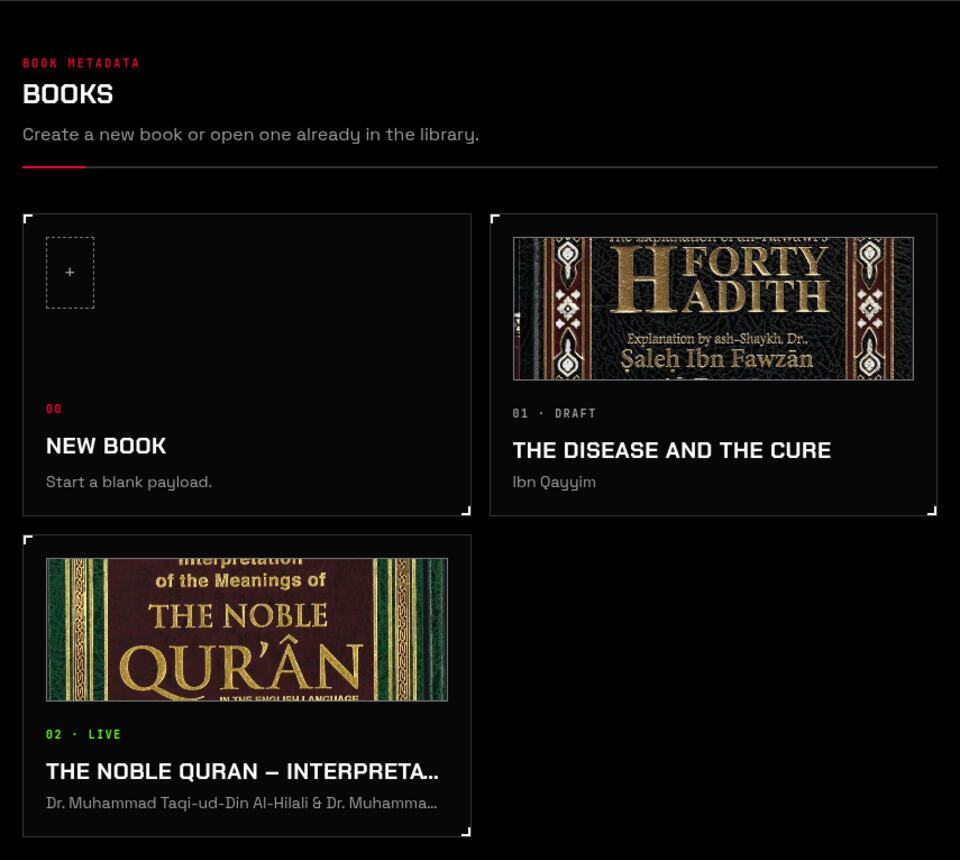
A surah is built in stages
The Quran pipeline runs one stage, then the next, and stops if a stage fails. Structure gives each ayah an Arabic section and a Hilali section. Recitations attach EveryAyah audio from the reciters on the book. The translation is prepared for speech, then an English narrator records it.
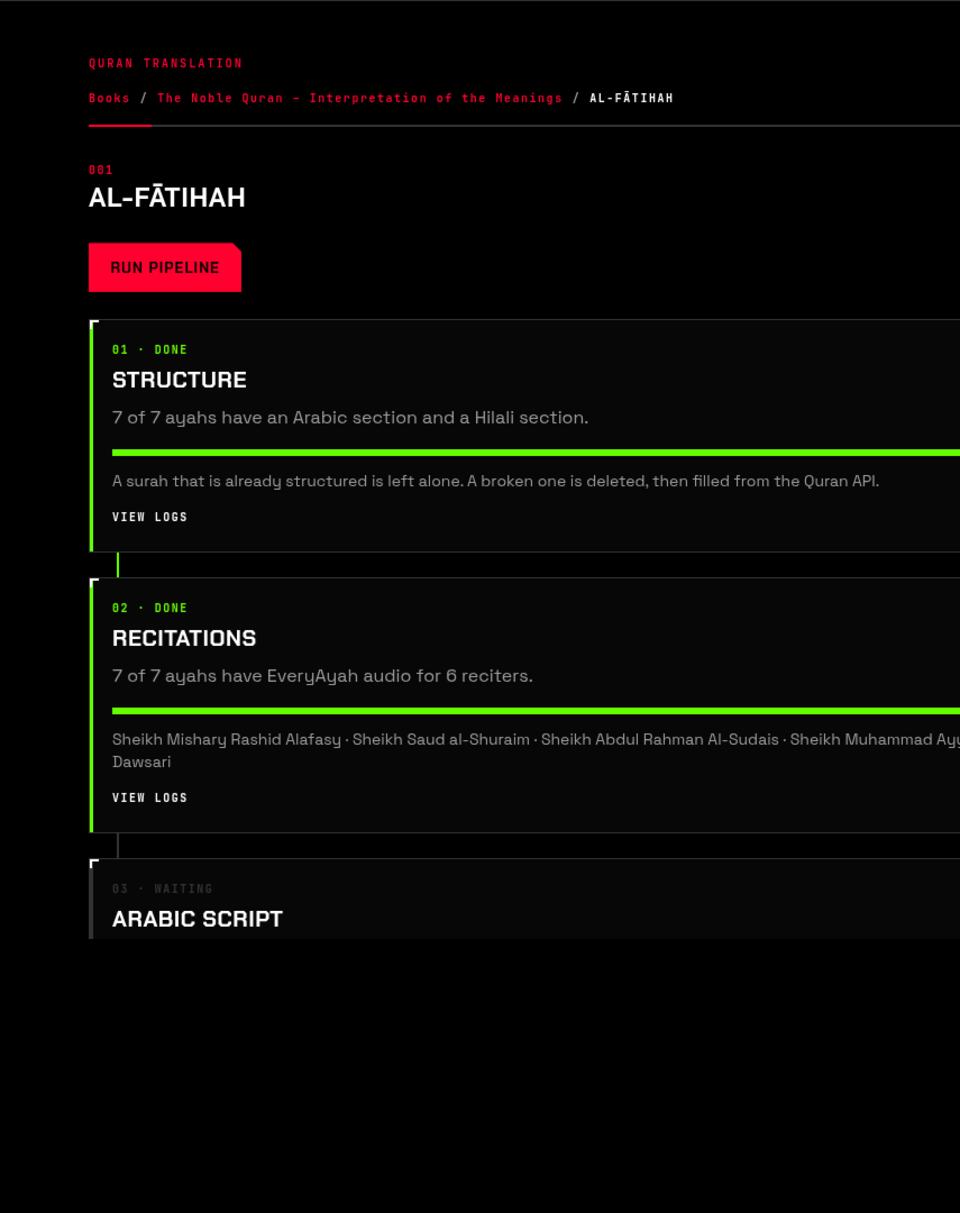
- 03
Other books start from the page
For a book on Islam, the editor uploads photos of the pages. Commentary stays in English. Each verse is an EveryAyah recitation plus the Hilali and Khan translation. The English voice can be previewed before it is saved.
- 04
A person checks the chapter
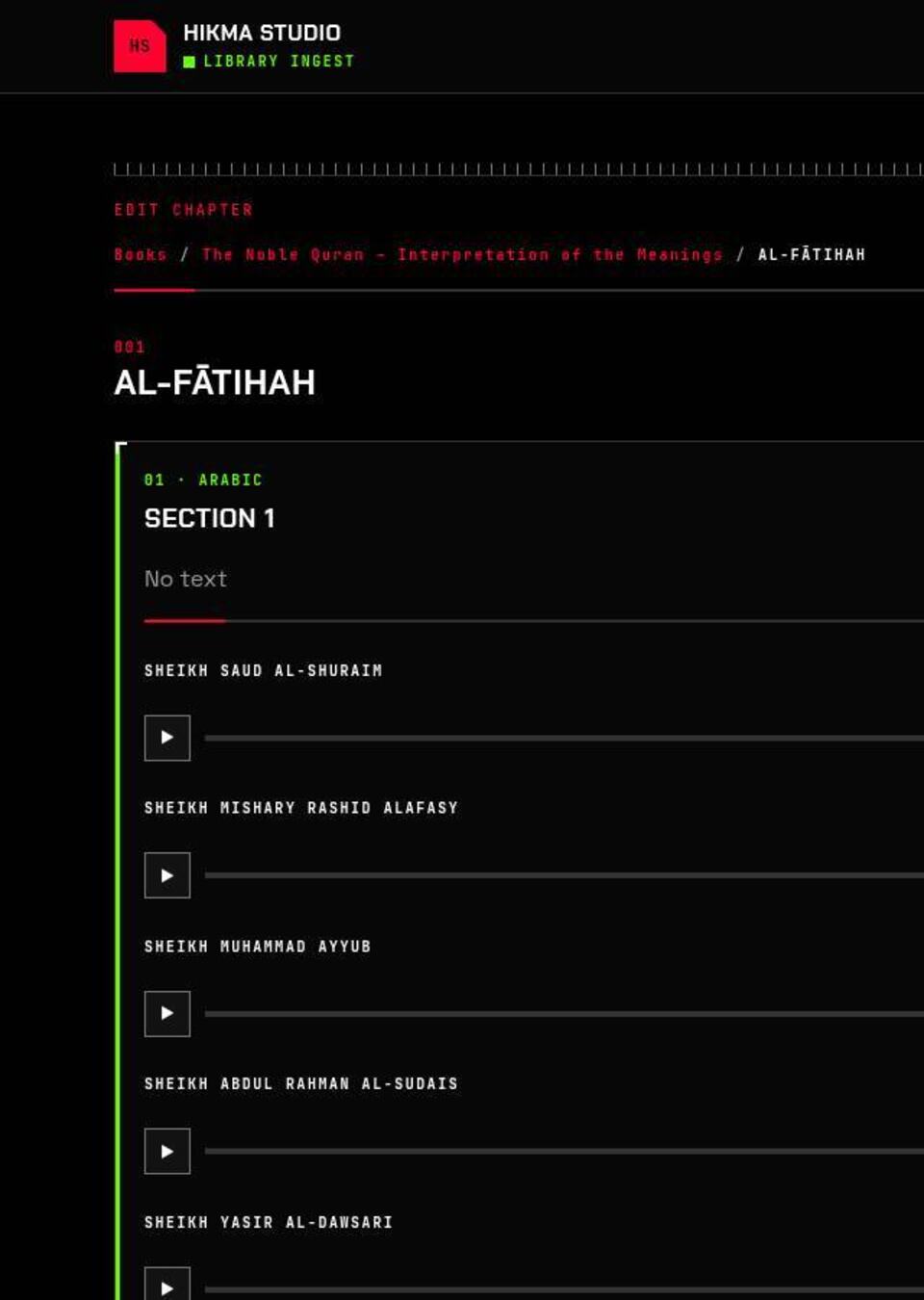
Edit Chapter opens every section. The text can be corrected, and each recording can be played. A chapter stays hidden until someone chooses to show it.
- 05
The recordings become one file
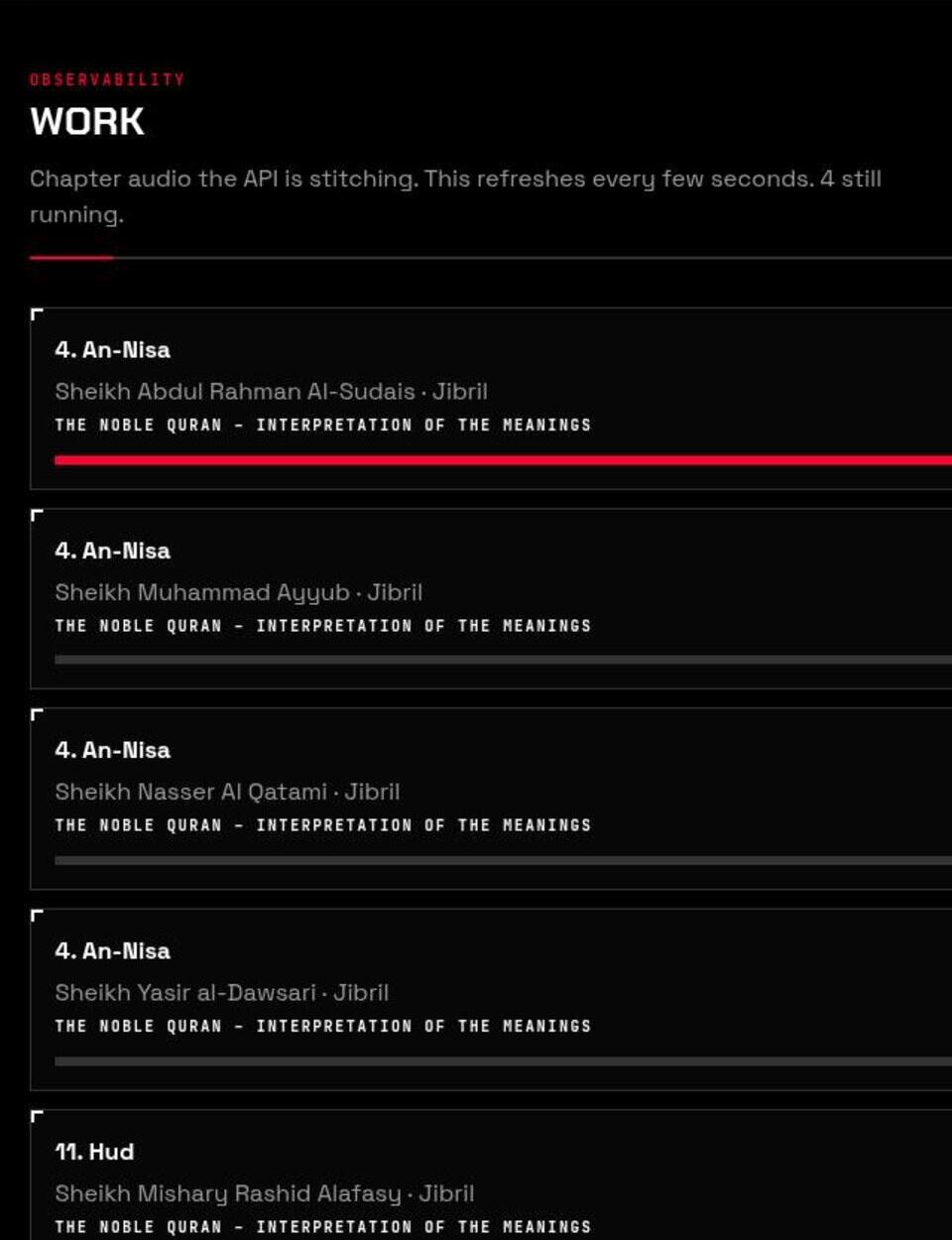
The studio asks the library to stitch the chosen narrators into a single chapter. The Work screen follows that job until the file is ready.
- 06
You press play
A published chapter appears here. Pick a reciter, and the player streams that file as you listen. Seeking asks for the next piece instead of downloading the chapter first.